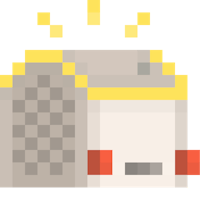

Did you know that every pixel icon featured in our Yoto Originals have been created by specialist artists?
Well how about this. Did you know your kids can design their own icon with just paper and pencils, and then you can help - as if by magic - present it on their player’s display? 🤯
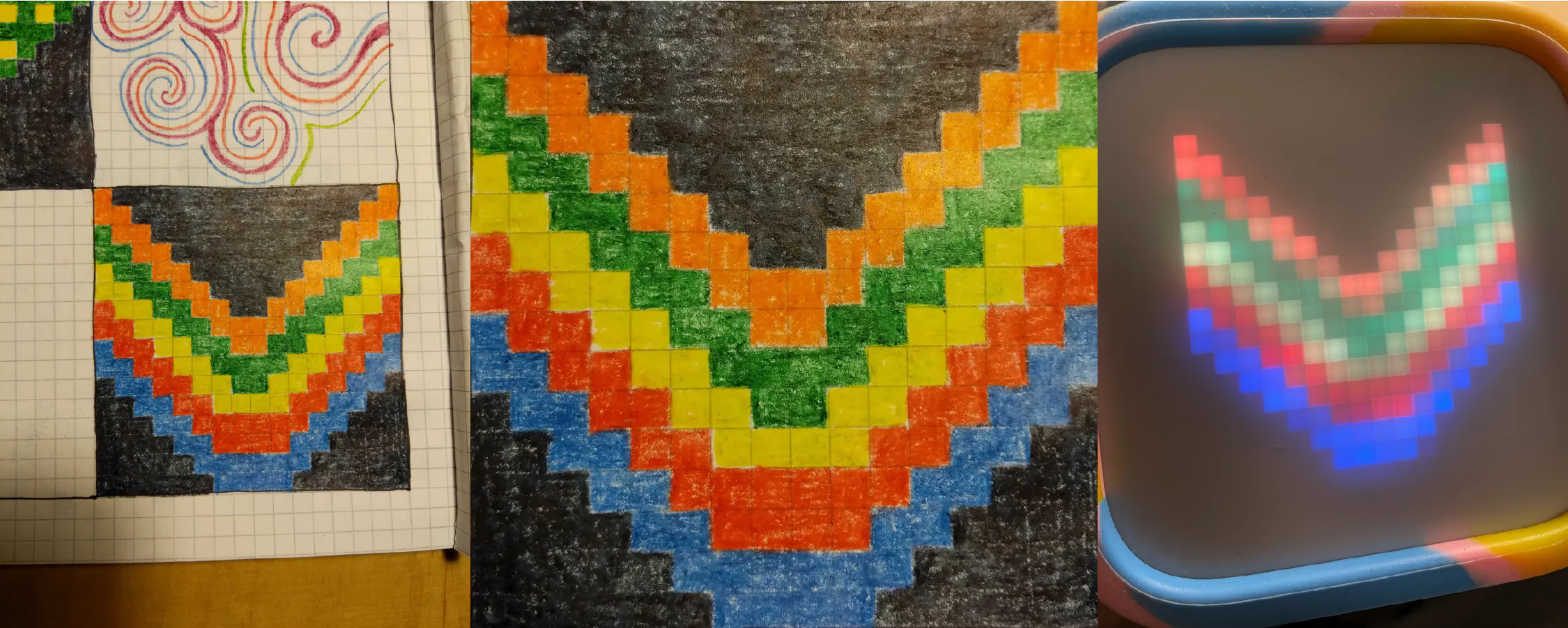
It’s a fun way to learn about making pictures with squares, and pixel art more generally. They could use their favourite Yoto pixel icons for inspiration, or be more ambitious with shapes, patterns, animals, objects… the possibilities are endless.
We’d love to see what your kids come up with - tag us with yours on Instagram we’ll re-post our favourites!
Make a 16x16 grid on squared paper, or download and print our template (below)
Anything to fill in the grid in block colour: colouring pencils, felt tips/markers, crayons, or paint. Filling in the black squares well is important.
A smartphone or tablet with a camera, and the Yoto App installed
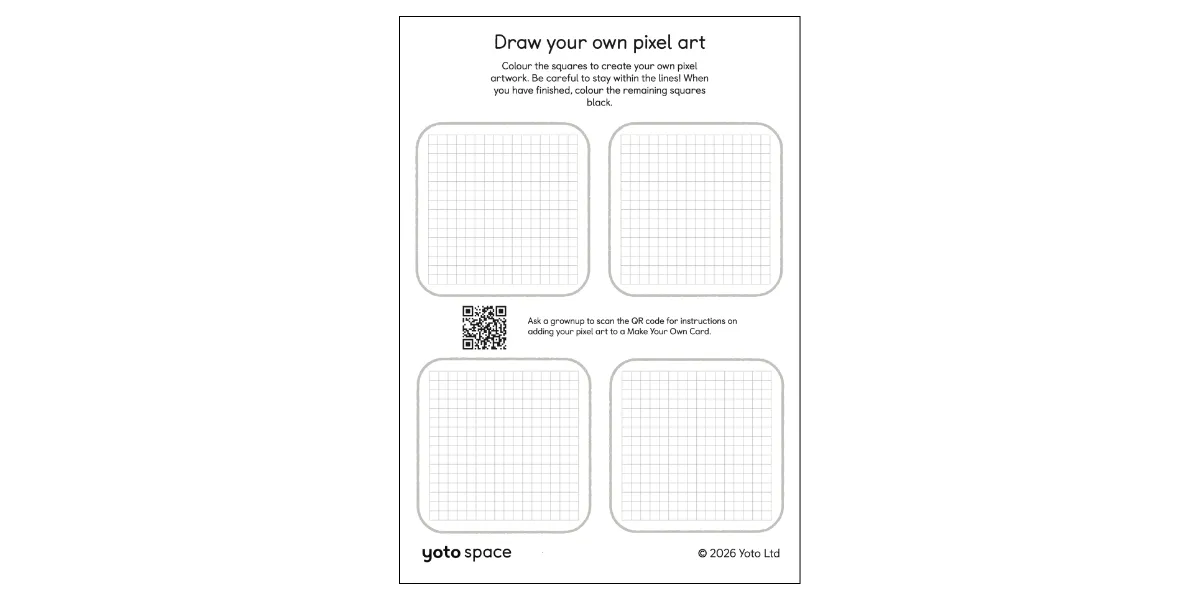
Draw the pixel art Fill squares to make a picture using a 16x16 grid on graph paper (or use our template below)
Fill in the empty space Make empty squares black so they show up as negative space on the Yoto player display, which lets the image float in space.
Crop a square photo You can use your phone to take the photo of your drawing, then edit it into a square using the phone's built in tools.
Add to a MYO playlist
In the Yoto App, go to Library > Playlists. Choose an existing playlist (and hit edit), or make a new one.
Tap the icon next to any track in the MYO editor, then choose Add an icon, then choose the photo from your device.
Adults, post your results on Instagram in a post, reel or story and we will share some of our favourites!
Our Instagram handles are:
UK/Global: @yotoplay
Australia: @yotoplay_au
France: @yotoplay_fr
USA: @yotoplay_us
Alternatively, you can add your photos in the comments below. We may also share images posted below on social media.