

Hi everyone! We’re so excited to share an update on our free Yoto developer app for making interactive MYO cards. Over the last few months, we’ve had hundreds of people try the app and leave incredible feedback. We are excited to announce that we are changing the name to Interactive Studio.
We also added three new features all suggested by Yoto community members (thank you!):
Multi-language playlists
Recording from within the app
Better control over flow charts
In the video, we created a word list in English and Tagalog where the right button toggles between the languages and the left button goes to the next word.
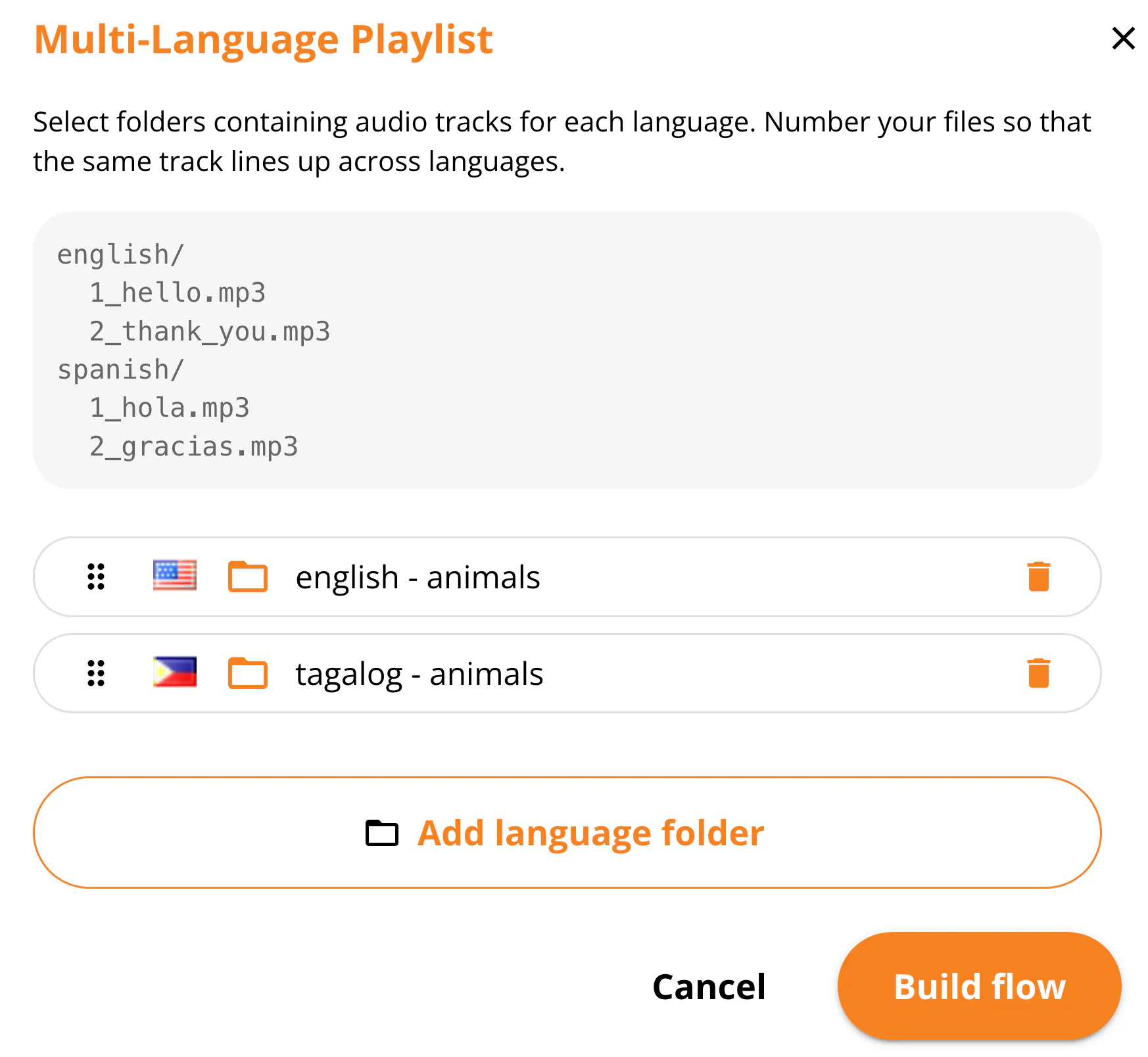
You can make a playlist like this by choosing two (or more) language folders on your computer and the app will automatically build the flow chart for you. You can do word lists, short stories, or anything else you can think of!
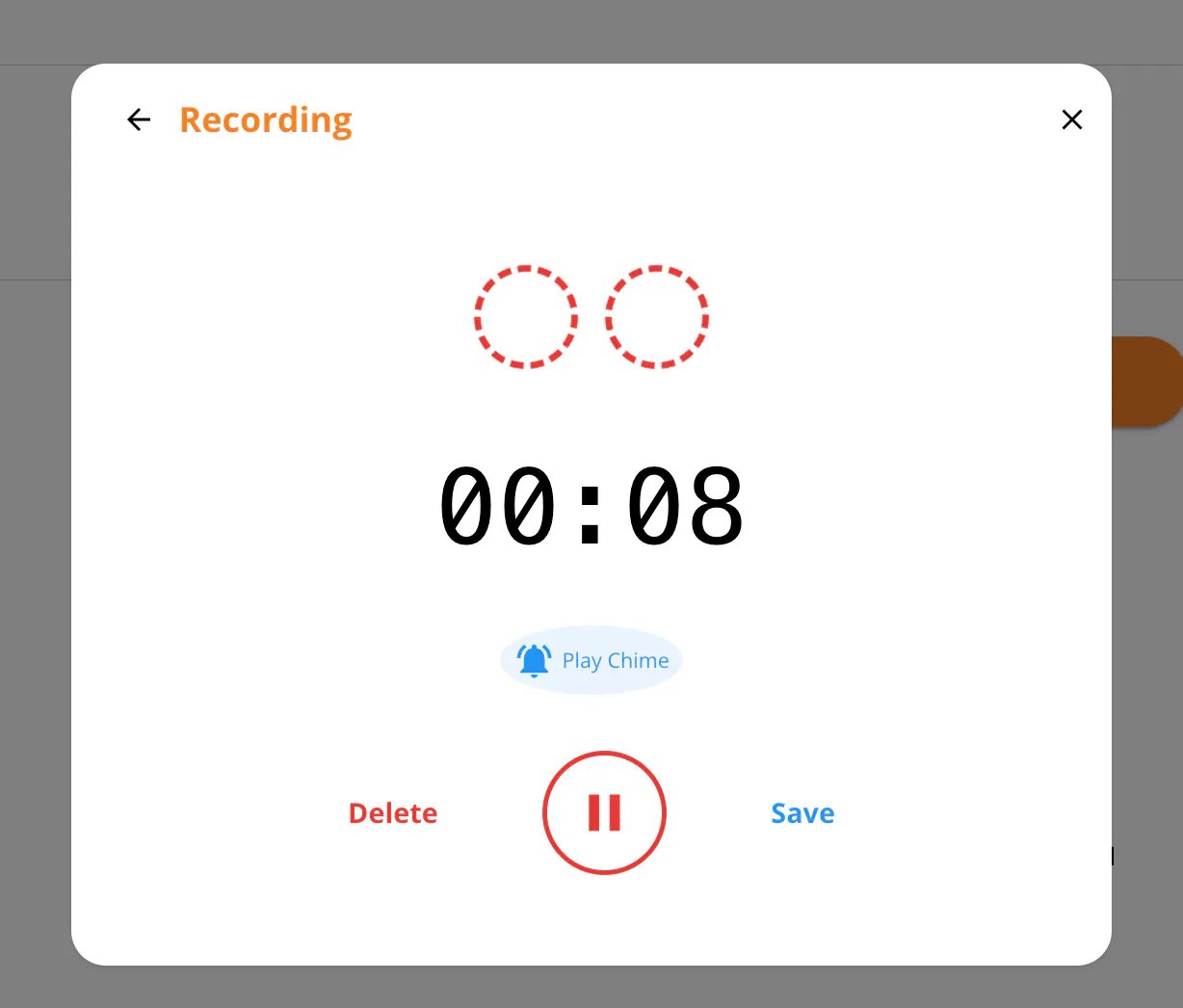
You can now record and make interactive playlists all in one sitting. We received feedback that it would be helpful to record directly in the app. Recordings are stored privately in your browser and they never go anywhere except your computer and Yoto’s servers.
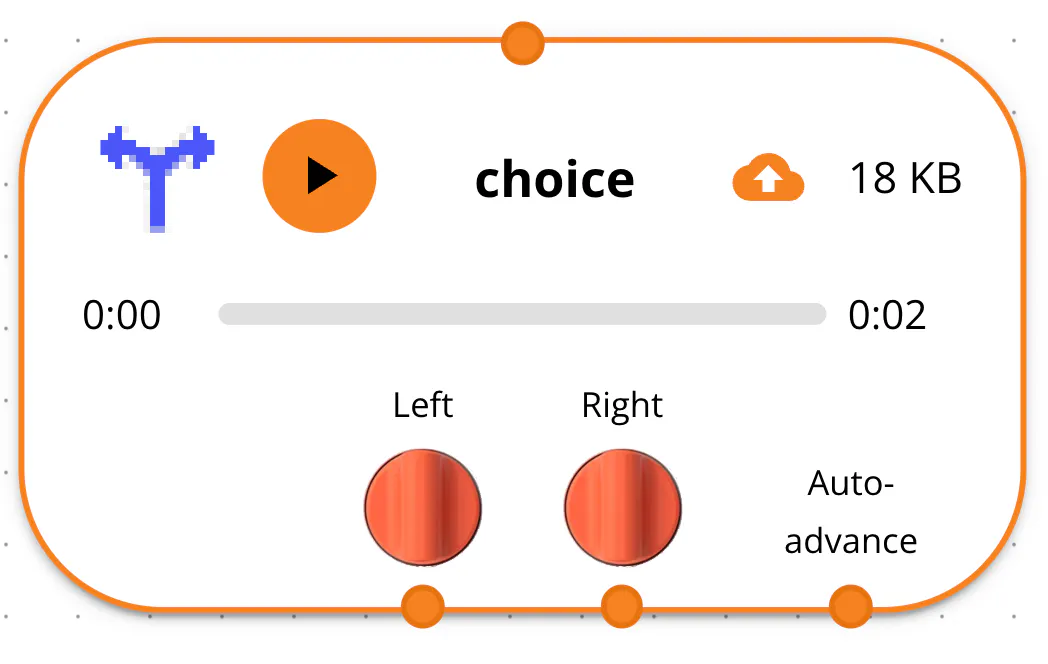
The flow chart now shows left, right, and auto-advance connectors so it’s easier to tell where the flow chart connects. The auto-advance can be used when you want to automatically move on to the next track.
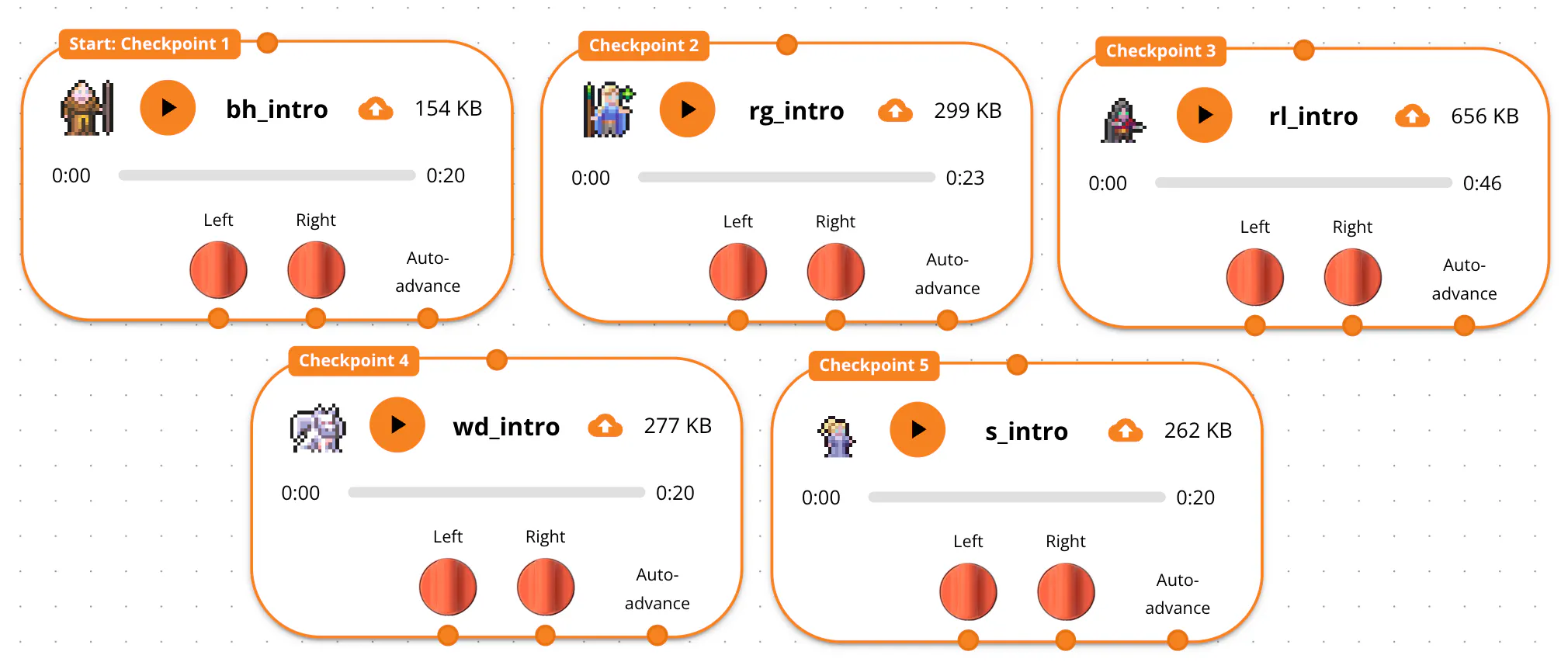
Another great feedback we received on our Open Mic playlist How to Be a Hero was that it was difficult to move between different stories in the playlist. So we introduced checkpoints! Listeners can spin and press the right button on the Yoto to jump to specific spots (checkpoints) in the flow chart. You can assign checkpoints by right-clicking in the flow chart.
That’s all for the update! If you like what we’re doing, go visit the app in the Yoto developer hub, give it a like, and share the interactive playlists you are able to make. You can support us by clicking the “Support me” button at the top of Interactive Studio. You can find How to Be a Hero featured in the discover tab of the Yoto app under Independent Creators.